Link to Username help Link to Password help Link to Login button help Link to Forgot Password help Link to Register help Link to More Information help Link to Download Preauth RQI Form help Link to Messages help Link to Technical Support help Link to Username help Link to Password help Link to Login button help Link to Forgot Password help Link to Register as a Member Link to More Information help Link to Download Preauth RQI Form help Link to Messages help Link to Technical Support help

Logging into Provider Portal

Before you can begin using Provider Portal, you must log in to the system.

1

Access the Provider Portal website. The Login page is displayed.
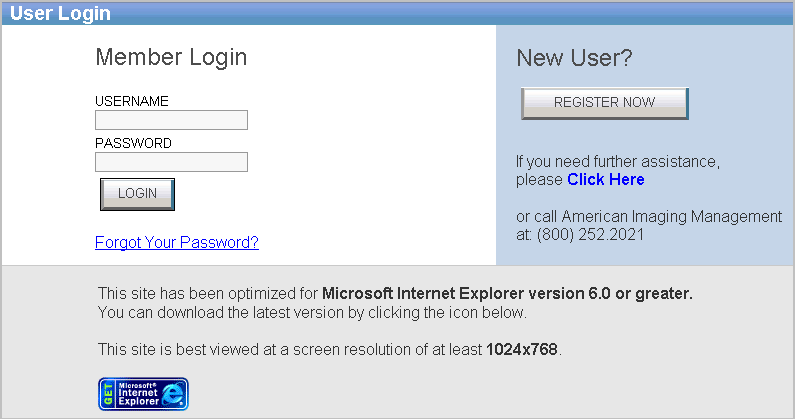
Login Page

2

In the Username field, enter your user name.

3

In the Password field, enter your password.

Note:  If you have forgotten your password, refer to the Forgot Your Password? section for more information.

4

Click login.  My Home page displays.